

How are William Hulme Grammar School using Peerscroller?
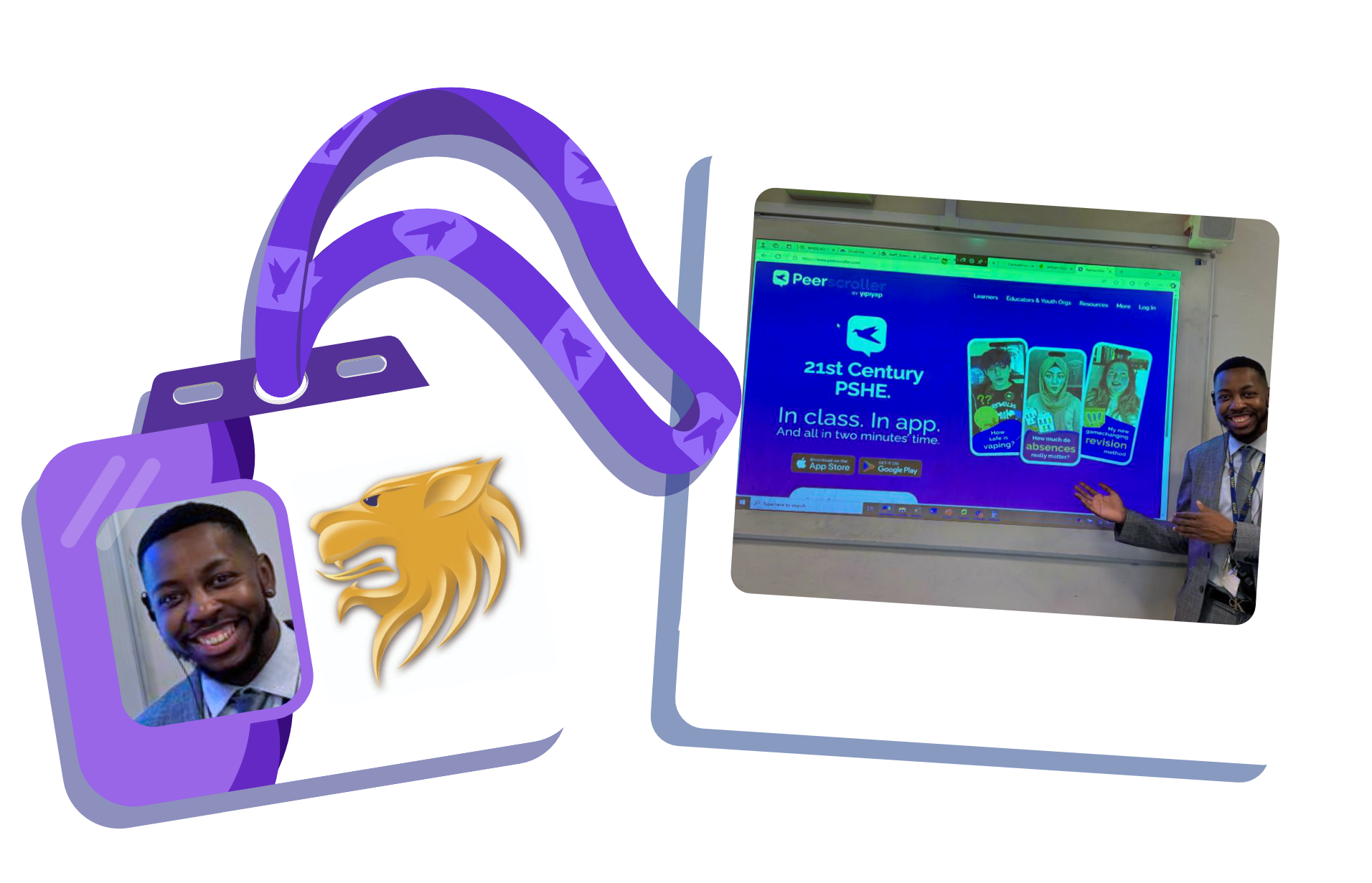
William Hulme's Grammar School was one of the first schools to roll out Peerscroller and has since embedded it thoughtfully across school life.
From integrating PS into classrooms and wider activities, to training staff so they feel confident using the platform, the school has taken a whole-community approach. They’ve also worked hard to encourage both learners and parents to actively engage, ensuring Peerscroller extends beyond the classroom and into everyday conversations.
Akeim Mundell, Assistant Principal, share his tips below.
Tips from William Hulme Grammar School for Embedding Peerscroller

Integrate Peerscroller across lessons and activities
“We use Peerscroller in a wide range of ways across the school - PSHE lessons, form time, assemblies, pastoral sessions, and even as meaningful ‘filler’ content in curriculum lessons.”
Peerscroller is used in a variety of ways; from PSHE lessons and form time to assemblies, pastoral sessions, and even as meaningful “filler” content in curriculum lessons. It complements the school’s PSHE curriculum for Key Stage 3 and 4, giving staff flexible tools to support students’ personal development.

Train all staff to use Peerscroller confidently
“Staff had the chance to get registered, log in, and explore the simplicity of the platform. This had a really positive impact and helped staff feel confident using it within their own classrooms.”
Initially, Peerscroller was mainly used by Personal Development, Education with Character, and Pastoral teams, but the school wanted to build consistency across all staff. A full-staff interactive training session led by the Peerscroller team gave teachers hands-on experience, helping them feel confident using the platform in lessons, form time, and pastoral support.

Introduce learners and families to the platform
“Parents and carers have told us they’re using Peerscroller to start positive conversations about real-life issues.”
Akeim used assemblies to introduce Peerscroller to every year group, and learners were signposted to resources via Teams. Parents and carers were also given their own log-ins, and the school promoted Peerscroller through newsletters, texts, and events.